Citystate Metropolis has a map editor that builds realistic terrain by blending real-world data with procedural generation. It includes a dynamic water simulation for rivers and lakes, and one-drag controls for forest density and terrain steepness across the whole map. The Steam page calls the game’s world-building side “Limitless: The World Builder”, and the developer’s November 18, 2026 announcement lists “a terrain editor that’s just awesome, with dynamic water” among the features included on December 10, 2026. This guide covers what is confirmed and what official screenshots show of the editor.
Quick facts
- Editor
- Included at launch (Steam: level editor)
- Terrain source
- Real-world data plus procedural generation
- Water
- Dynamic simulation, rivers and lakes
- Map-wide sliders
- Forest density, terrain steepness
- Texture painting
- Maybe at launch, not confirmed
What the map editor does
The store page says: “The map editor can create thousands of highly realistic terrains through an innovative approach blending real-world data and procedural generation. The dynamic water simulation allows the creation of rivers and lakes. A drag of the mouse is all it takes to adjust forest density or terrain steepness across the entire map.”
Steam’s feature list also includes “Includes level editor”, so the editor is part of the game, not a separate download.
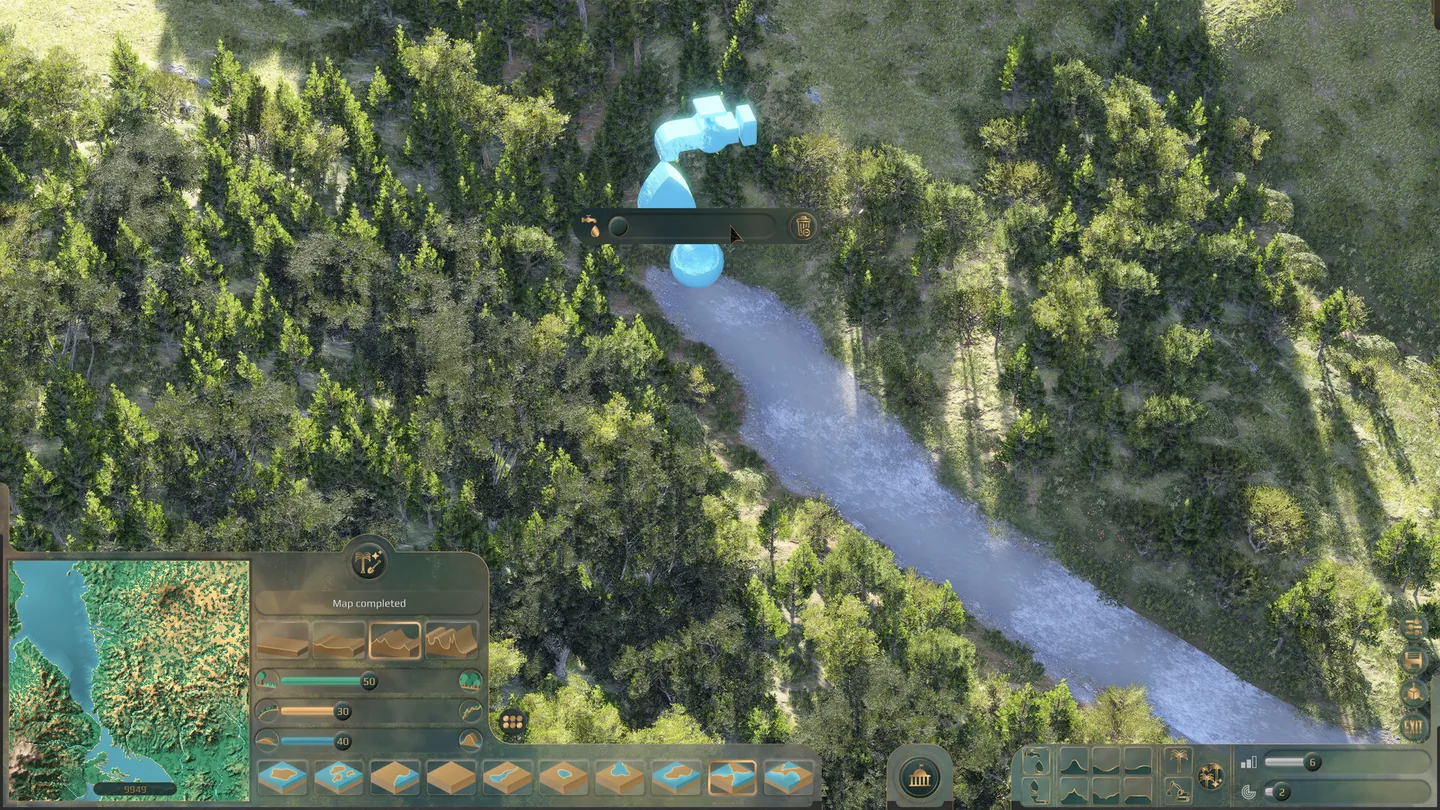
The map panel in the screenshots
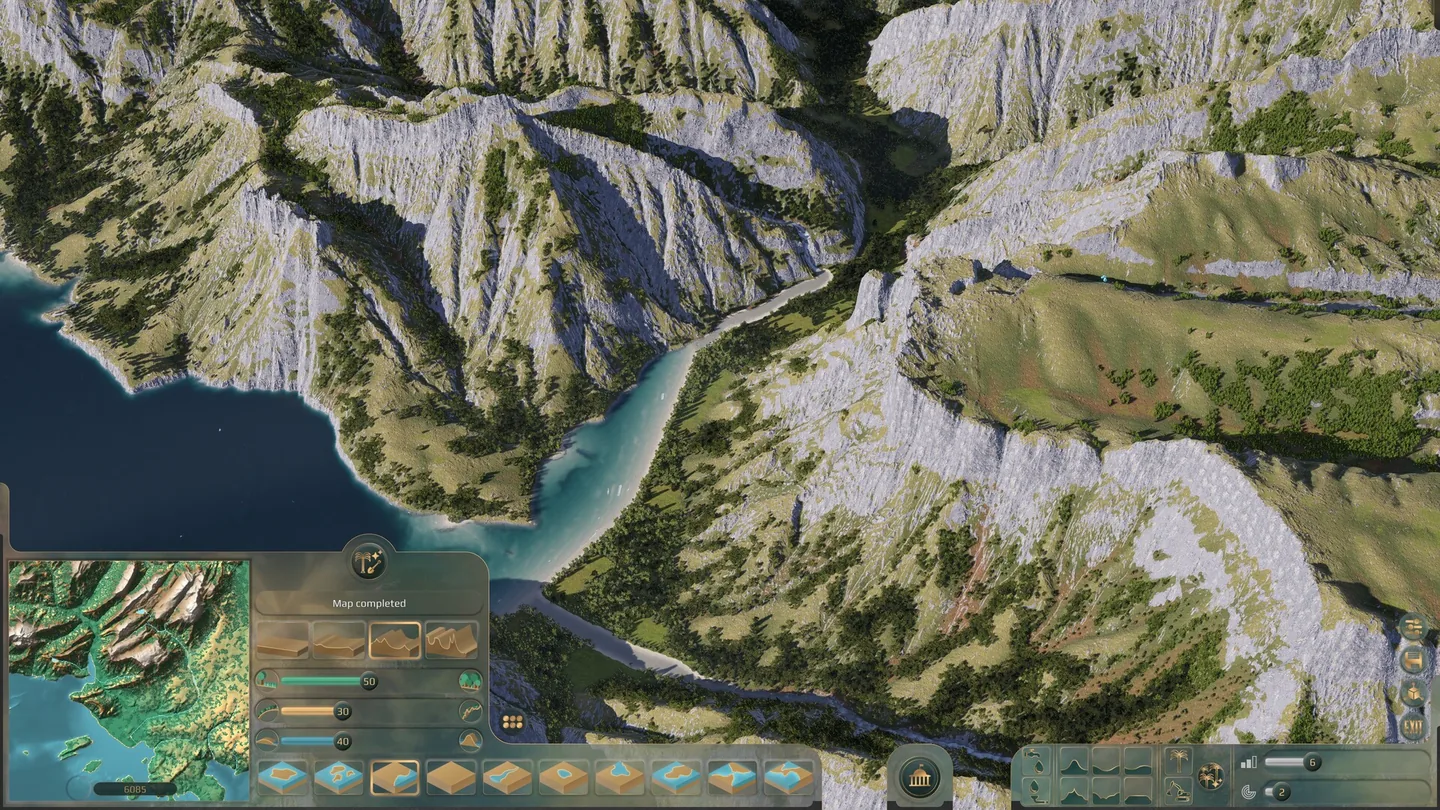
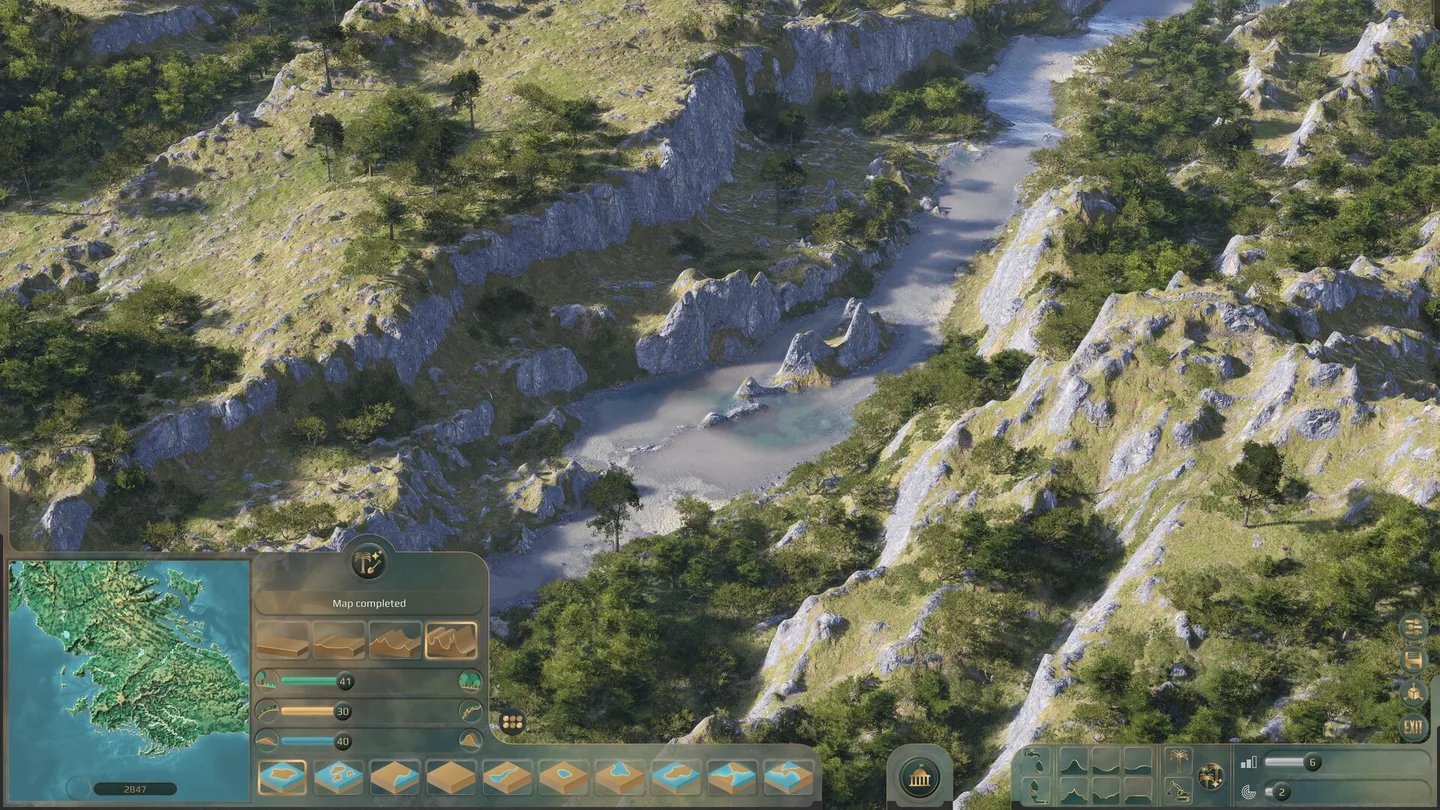
Two official screenshots show the same panel. Here is what is visible. The labels are our description, since the icons have no text:
- A minimap with a map number under it (2847 in one shot, 9949 in another). It looks like a seed that picks which terrain is generated.
- A “Map completed” status line.
- Four relief presets, drawn as blocks going from flat to steep mountains.
- Three sliders with values such as 41, 30 and 40. The icons suggest forest, terrain roughness and elevation. This fits the store page’s “forest density or terrain steepness” controls.
- A row of ten coastline tiles, showing layouts like a single island, an archipelago, a straight coast, a lake and a bay.
In one of the screenshots, a second toolbar at the bottom right shows terrain brush shapes and two numbered sliders, set to 6 and 2. These look like brush size and strength for hand sculpting.
Dynamic water
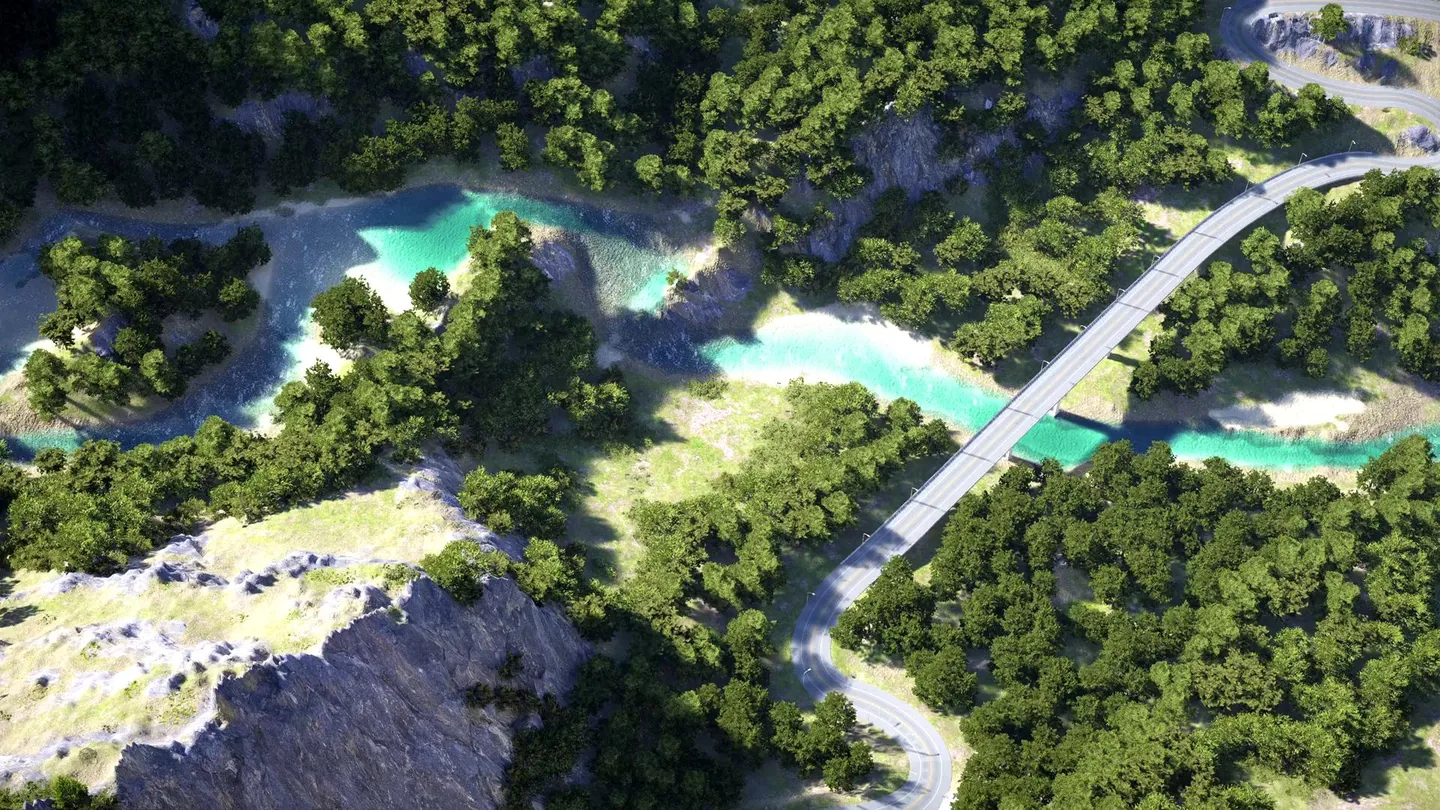
Water is simulated, not painted. Official screenshots show a water tool icon over a valley, and a river flowing between forested banks while the editor is open. The trailer also shows water spreading across terrain with the same panel visible. The developer lists dynamic water as part of the launch build.
The kinds of maps it makes
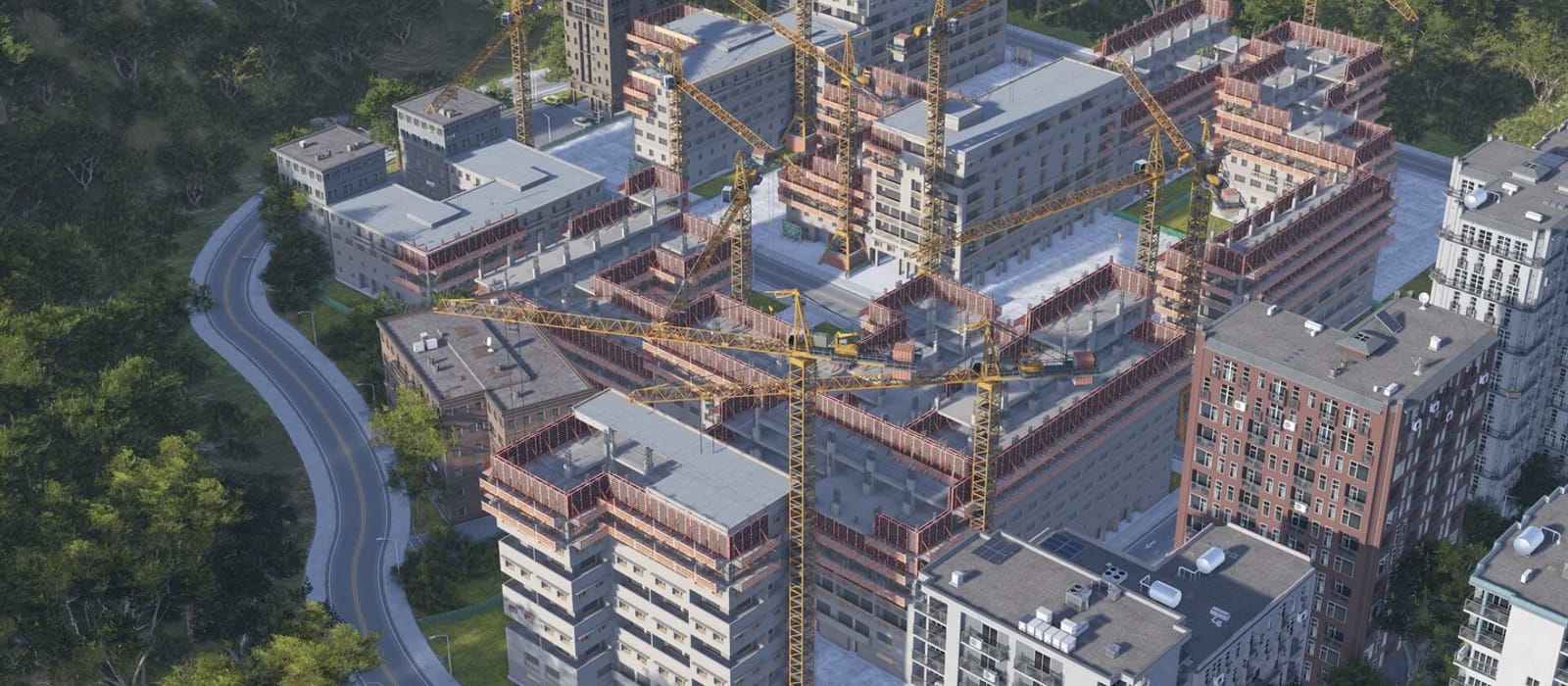
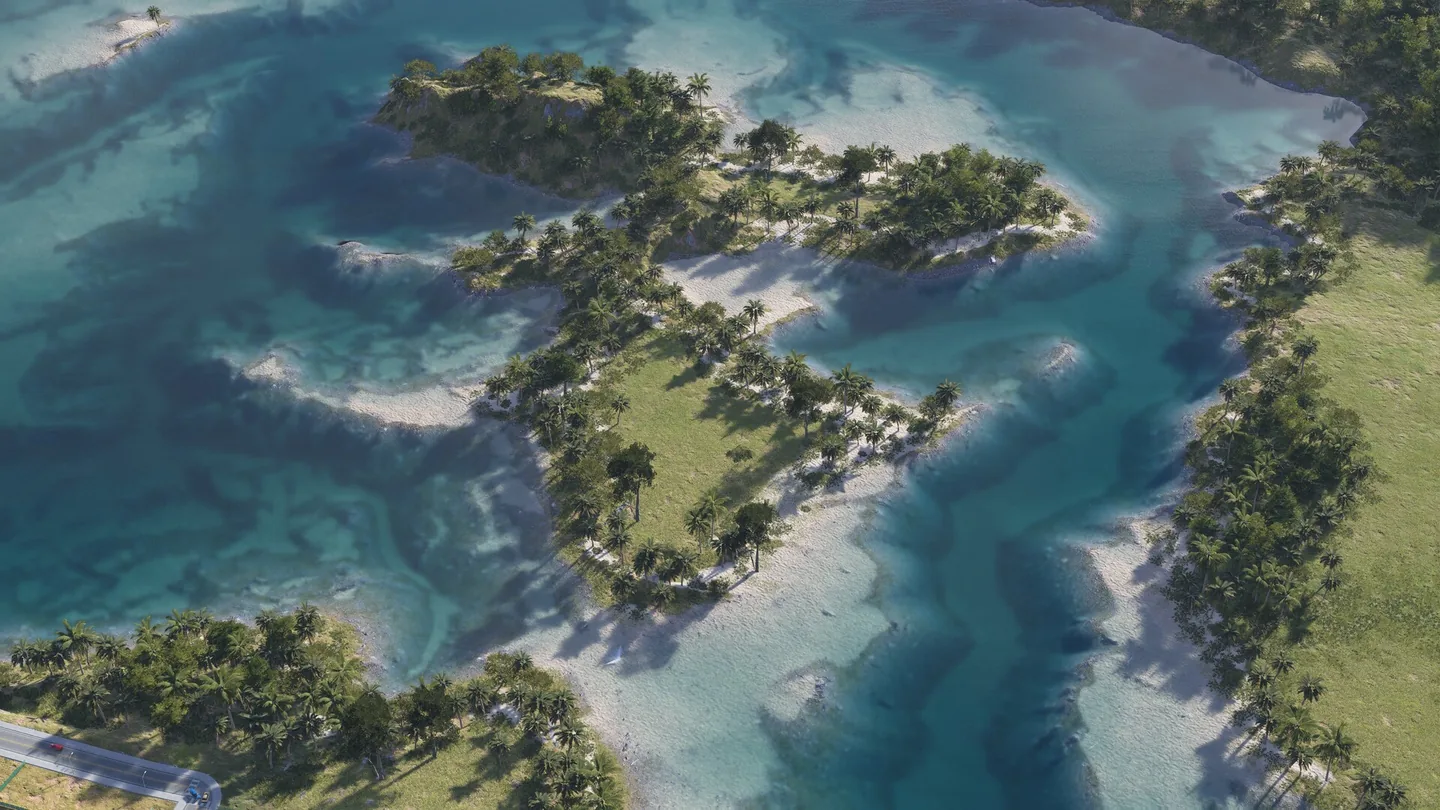
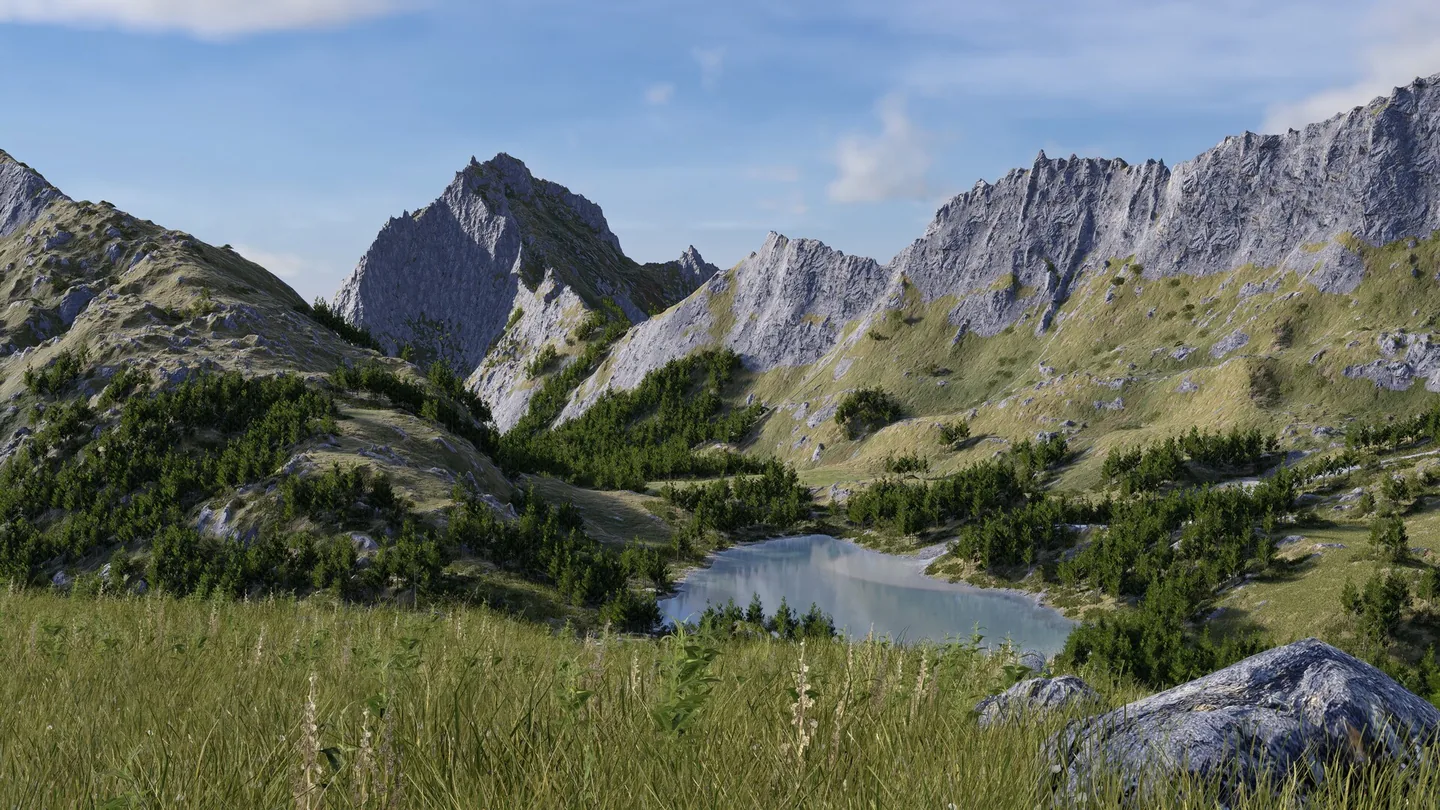
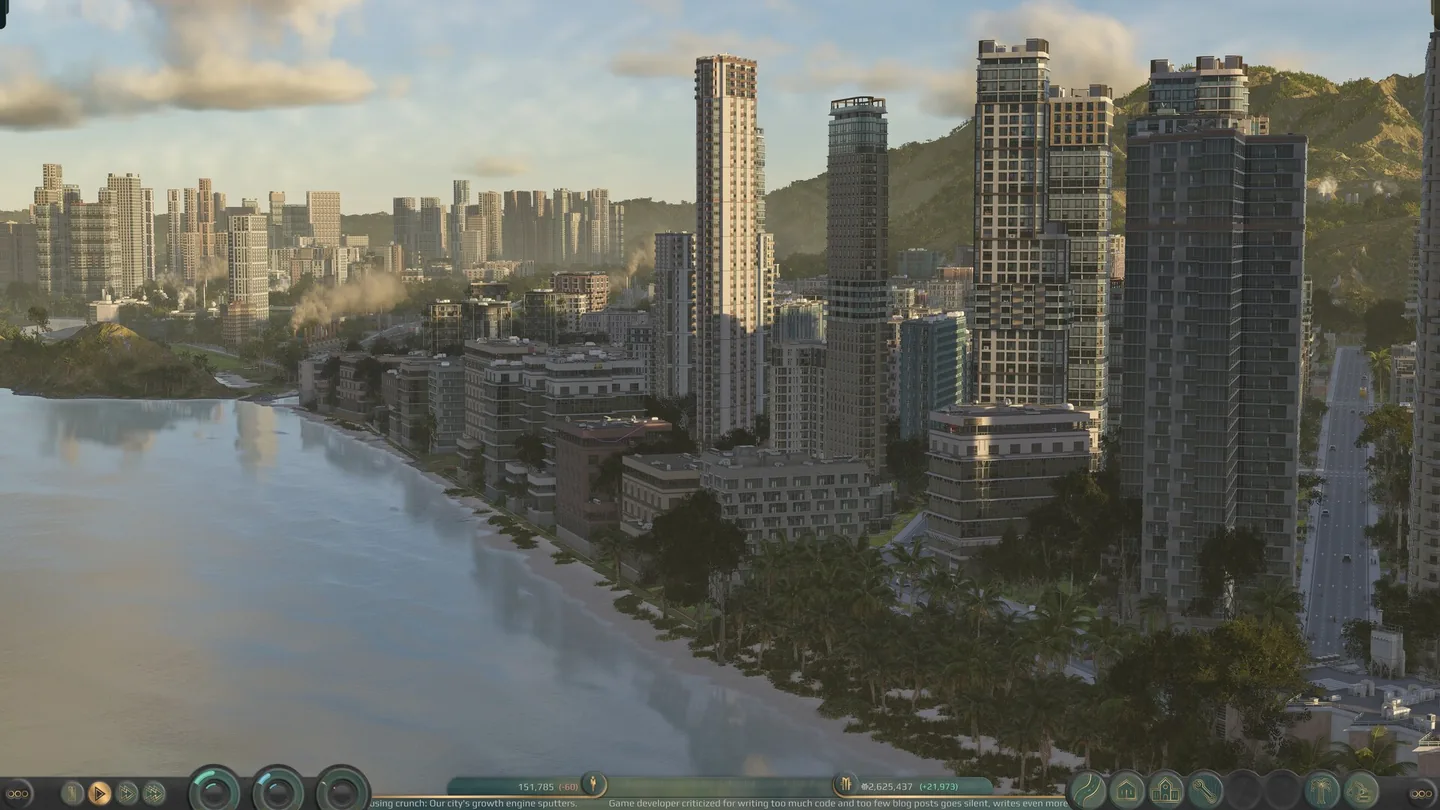
The store screenshots show the range: tropical islands with white beaches, alpine lakes under jagged peaks, river canyons, grassy valleys and coastal bays. Plenty of shots have no city in them at all, which shows how much detail goes into the terrain itself.
What may not be ready on day one
The developer lists a terrain texture painting tool among the features that “may or may not make it in time for launch”, along with tunnels and roundabouts. If you want to paint rock, sand or grass by hand, it may arrive in an early patch rather than on December 10. See the roadmap.
Choosing a map for your first city
- Pick gentle relief for a first build. Grid-less zoning handles slopes and curves, but flat land is easier to fill.
- Use water as a feature. Rivers and coastlines make natural district edges, and waterfront towers appear in many official shots.
- Keep forest density moderate if you want room to build without clearing much.
- Note the map number of a terrain you like, if it works as a seed, so you can recreate or share it.
- Plan bridges. The road tool has elevated roads, but tunnels are not confirmed for launch.
Modding support and modding tools are also in the launch build. See features, mods and languages.
Citystate Metropolis map editor FAQ
Does Citystate Metropolis have a map editor?
Yes. Steam lists 'Includes level editor', and the store page describes a map editor that creates thousands of realistic terrains from real-world data and procedural generation.
Can you make rivers and lakes?
Yes. The map editor has a dynamic water simulation for creating rivers and lakes, and the developer lists 'a terrain editor with dynamic water' as included on December 10.
Can you paint terrain textures?
Not confirmed for launch. A terrain texture painting tool is on the developer's list of features that may or may not make it in time for December 10.
Are the maps real places?
The store page says terrain blends real-world data with procedural generation. It does not say you can load a specific real city or region.