Affiliate links: As an Amazon Associate I earn from qualifying purchases. Buying through our links costs you nothing extra. How this works.
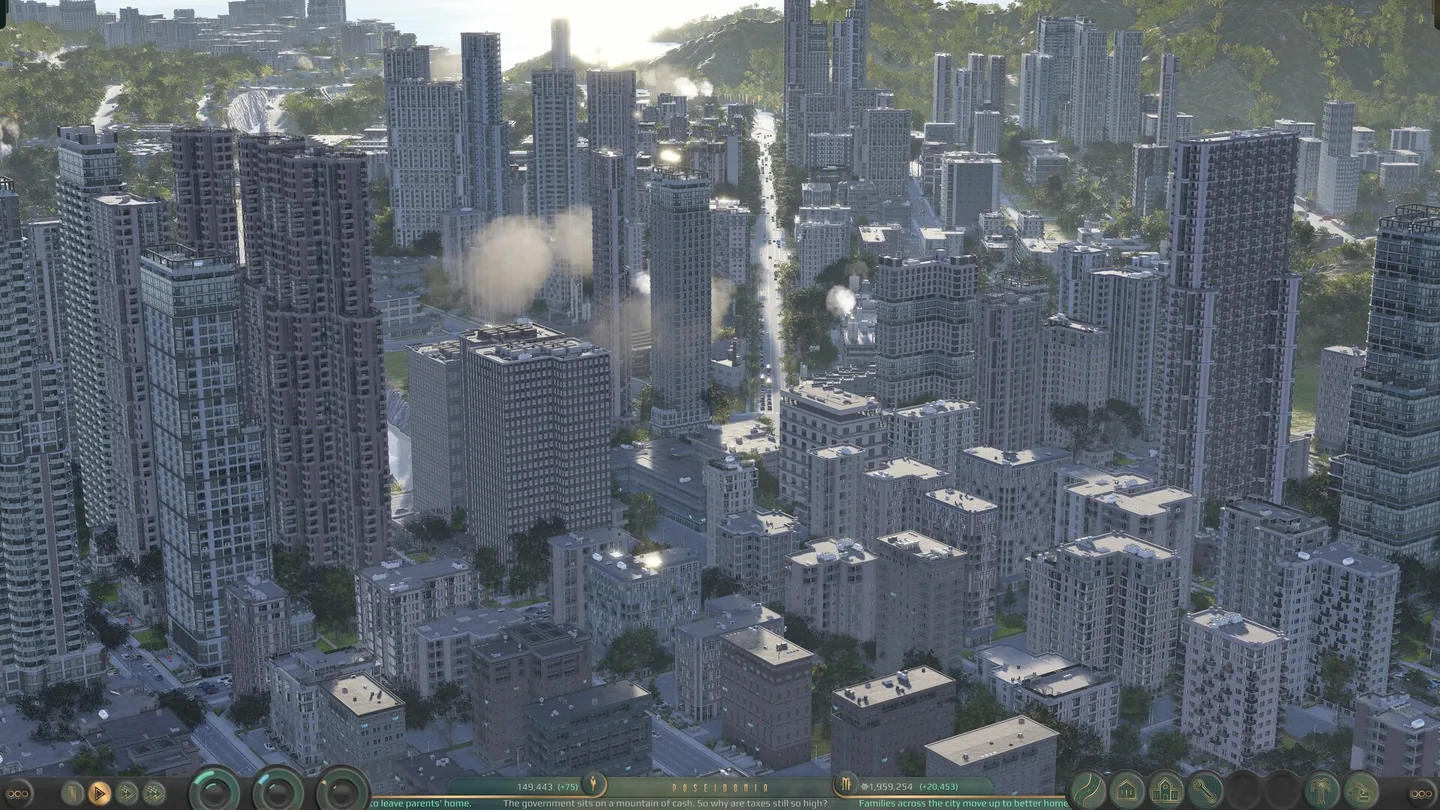
For Citystate Metropolis, the gear that matters most is a precise, comfortable mouse for drawing curved roads and zones, a monitor with room for the game’s big panels, and a fast SSD for large cities. The game is Windows-only, and Steam doesn’t list controller support, so you’ll play on mouse and keyboard. We picked these from the official system requirements and the way the game is played in official screenshots. We haven’t tested them with Citystate Metropolis, which launches in Early Access on December 10, 2026.
Quick facts
- Input
- Mouse and keyboard (no controller listed)
- Storage needed
- 10 GB
- RAM
- 12 GB minimum, 16 GB recommended
- GPU
- GTX 1060 6GB minimum, RTX 3060 Ti recommended
What the game asks of your setup
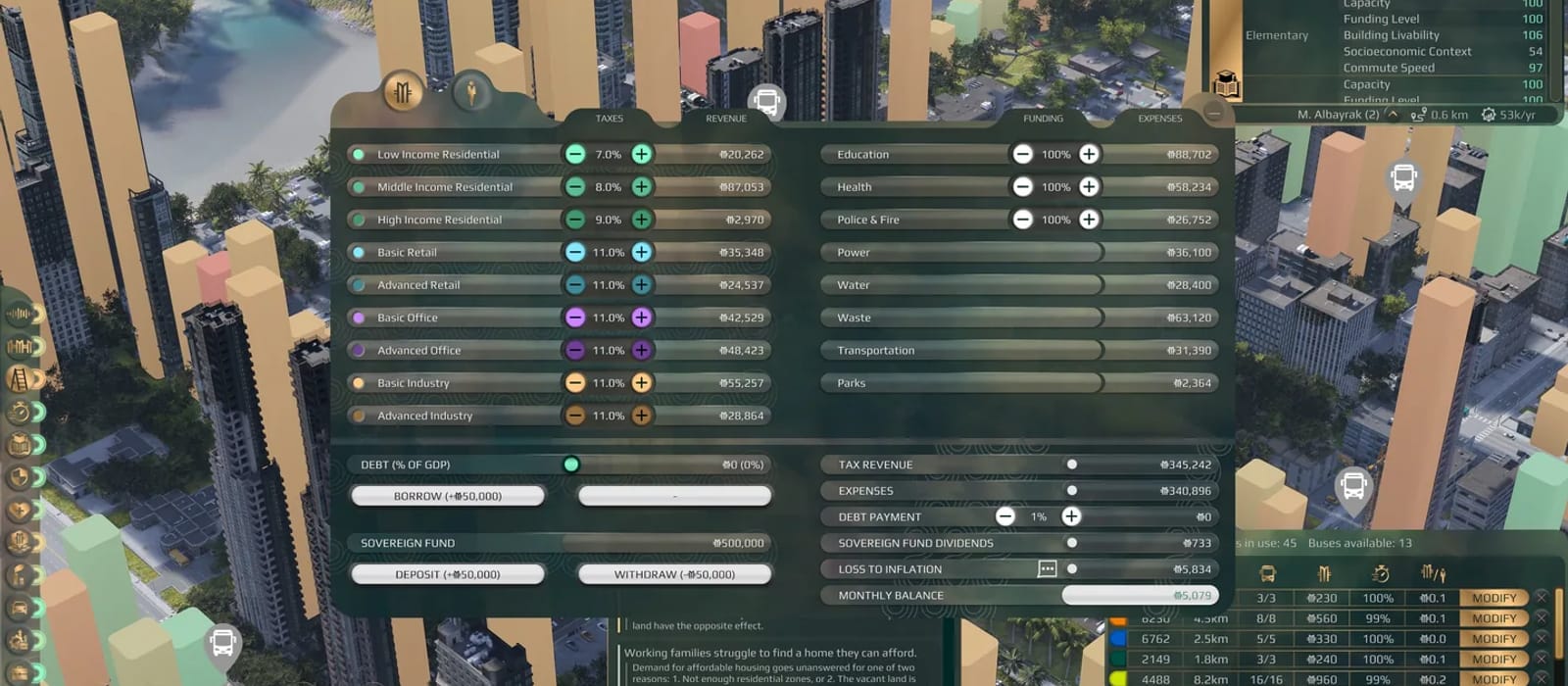
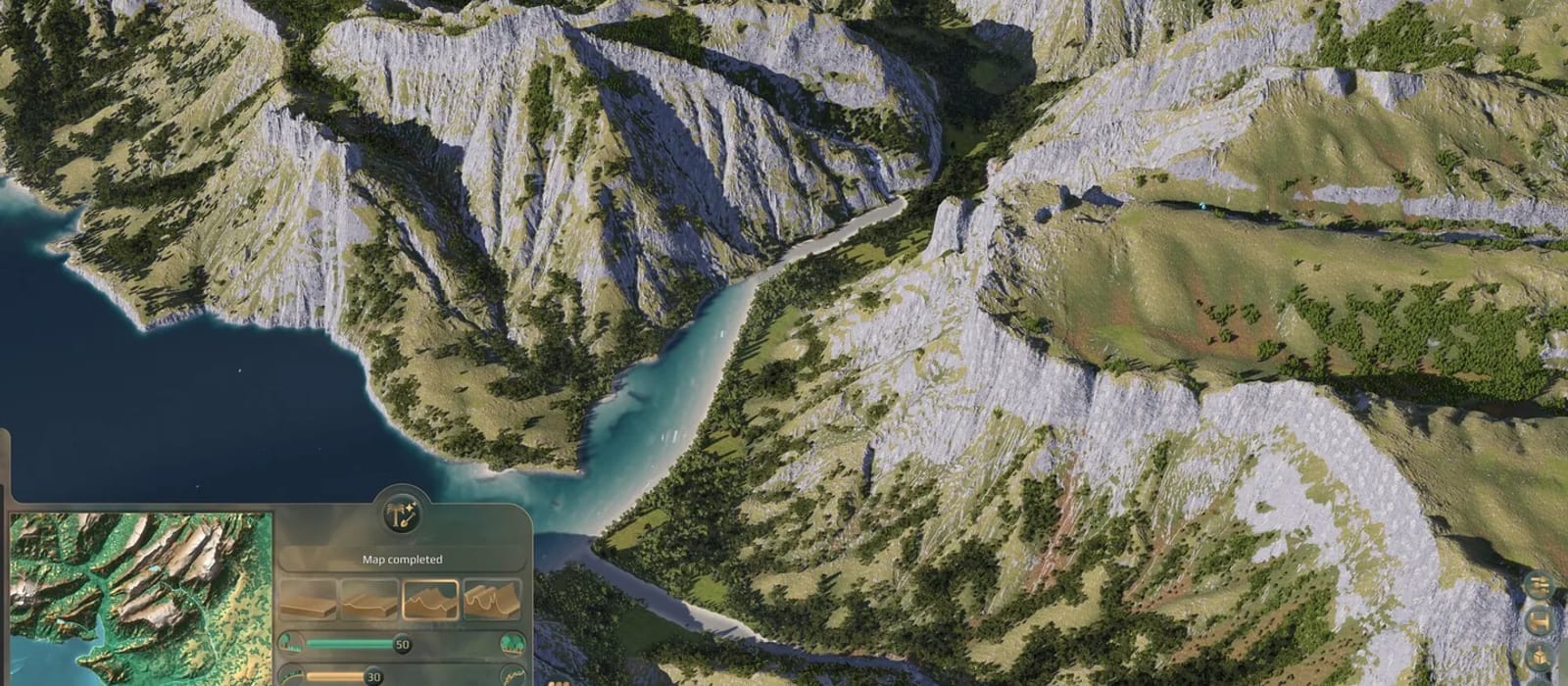
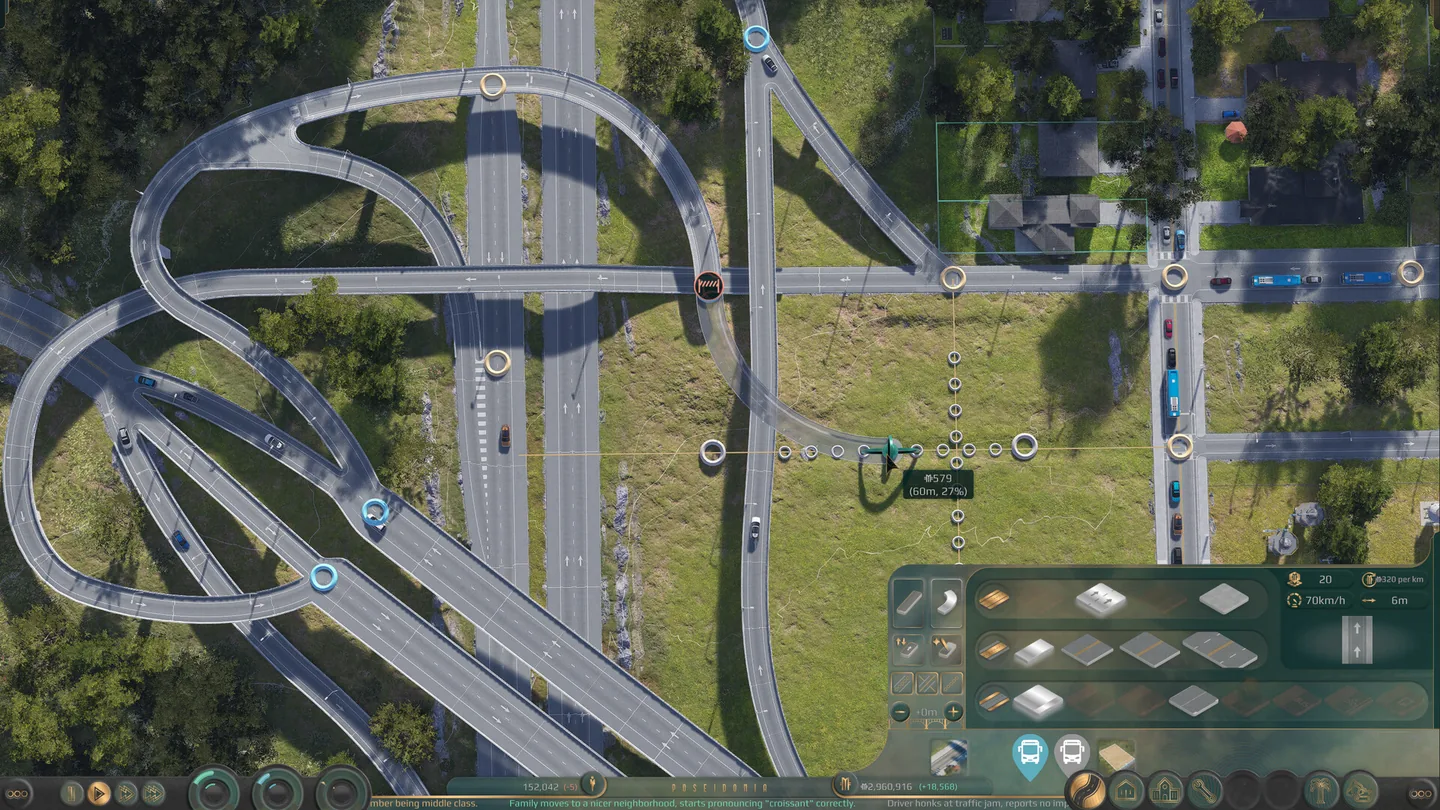
Building in Citystate Metropolis means drawing spline roads, dragging zone outlines with handles, sculpting terrain with brushes and managing dense panels such as the budget and the bus lines. A mouse that tracks precisely and is comfortable for hours helps more than anything else. Check the minimum specs first in our system requirements guide.
Mouse
Logitech MX Master 3S
Best for: Long, comfortable planning sessions
A sculpted wireless mouse with quiet clicks and a fast electromagnetic scroll wheel, which helps when you zoom between street level and the whole map many times an hour.
- Very comfortable for long sessions
- Fast scroll wheel for zooming
- Works over Bluetooth or a USB receiver
- Right-handed only
- Not a lightweight gaming mouse
Logitech G502 HERO
Best for: Players who want extra buttons
A wired gaming mouse with 11 programmable buttons and adjustable weights. Spare buttons are handy for shortcuts such as undo or switching tools once the game's key bindings are known.
- 11 programmable buttons
- Adjustable weight
- No battery to charge
- Heavier than many mice
- Has a cable
Keyboard
Logitech MX Keys S
Best for: Quiet, comfortable typing and shortcuts
A low-profile wireless keyboard with backlit keys that pairs with up to three devices. City builders don't need a fast mechanical switch, so comfort and quiet matter more.
- Quiet low-profile keys
- Backlight adjusts to the room
- USB-C rechargeable
- Not mechanical
- Pricier than basic keyboards
Monitor
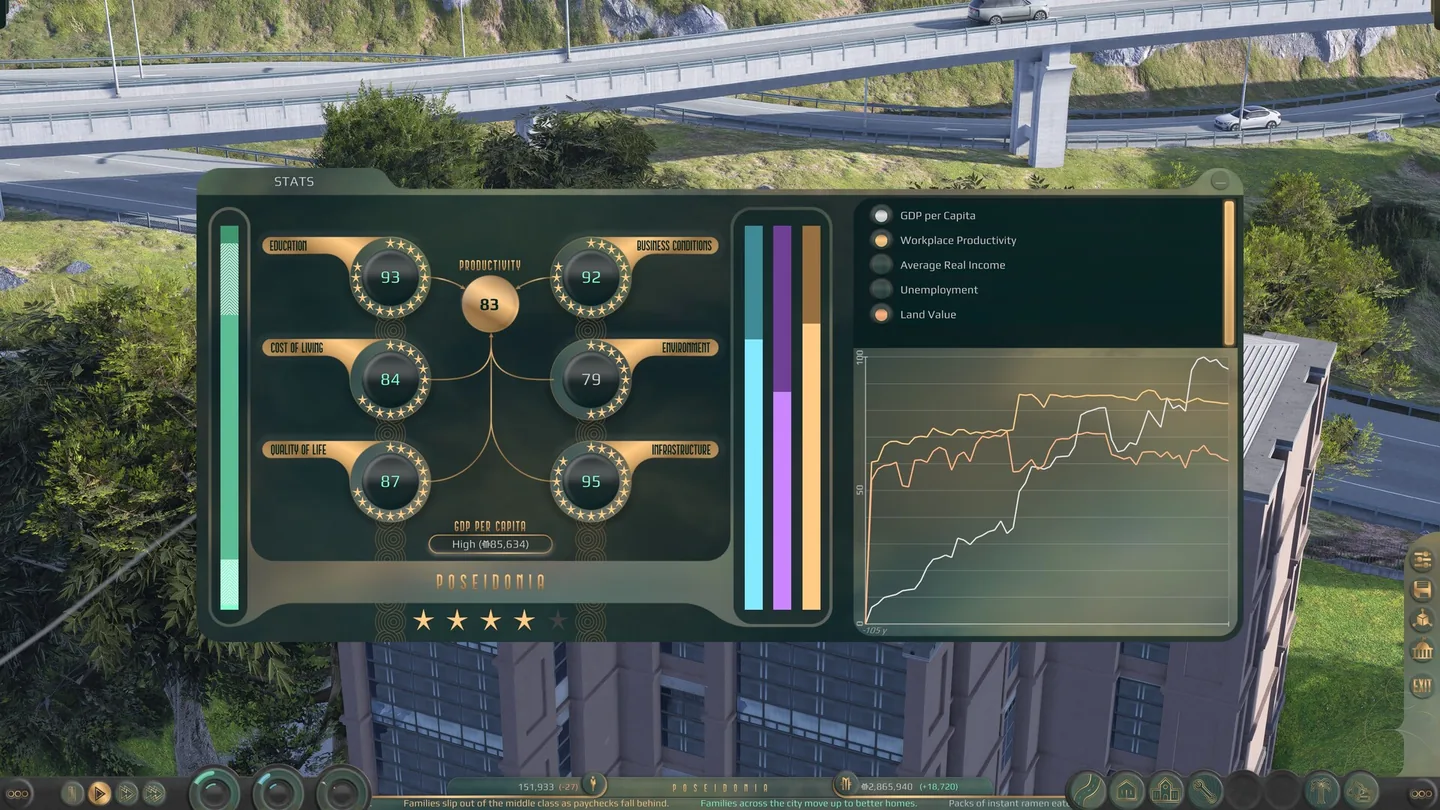
The game’s panels are big: the budget, stats and bus line screens cover much of a 1080p screen in the official screenshots. A 1440p monitor gives you more city around them without the graphics load of 4K, which matters if your card is near the recommended RTX 3060 Ti.
LG 27GP850-B UltraGear 27-inch QHD
Best for: More city on screen
A 27-inch 2560×1440 Nano IPS panel with good colour for the game's skylines and water, plus a height-adjustable stand for long sessions.
- 1440p resolution
- Height, tilt and pivot adjustable stand
- High refresh rate for smooth panning
- Needs a capable GPU to drive 1440p
- IPS glow in dark rooms
Storage
Steam lists only 10 GB, but cities, saves and mods add up, and an NVMe drive loads them faster than a hard drive.
Samsung 990 PRO 2TB
Best for: Most desktops and many laptops
A PCIe 4.0 M.2 2280 NVMe SSD with plenty of space for this game and the rest of your library.
- Fast PCIe 4.0 speeds
- 2 TB of space
- Standard M.2 2280 size
- Needs a free M.2 slot
- Overkill if you only need 10 GB
WD_BLACK SN850X 2TB with heatsink
Best for: Desktops with room for a heatsink
A fast NVMe drive with a heatsink fitted. The heatsink is fine in most desktop slots but often won't fit a laptop.
- Heatsink fitted
- Fast read speeds
- Heatsink may not fit laptops
Before you buy
Wait for the Early Access launch on December 10 if you are unsure. Once the game is out, we will add tested advice and the real key bindings. The game’s release date and price details are here.
Citystate Metropolis gear FAQ
Do I need a gaming mouse for Citystate Metropolis?
No. Any accurate mouse works. A comfortable shape and a good scroll wheel matter more than high DPI for drawing roads and zoning lots.
Do I need an SSD for Citystate Metropolis?
Steam lists only 10 GB of space and doesn't require an SSD, but an NVMe SSD shortens load times for large cities and saves.
What monitor resolution suits city builders?
1440p gives the budget, zoning and bus line panels more room while keeping the city visible, and it is lighter on the graphics card than 4K.
Can I play Citystate Metropolis with a controller?
Steam does not list controller support, so plan on mouse and keyboard.